
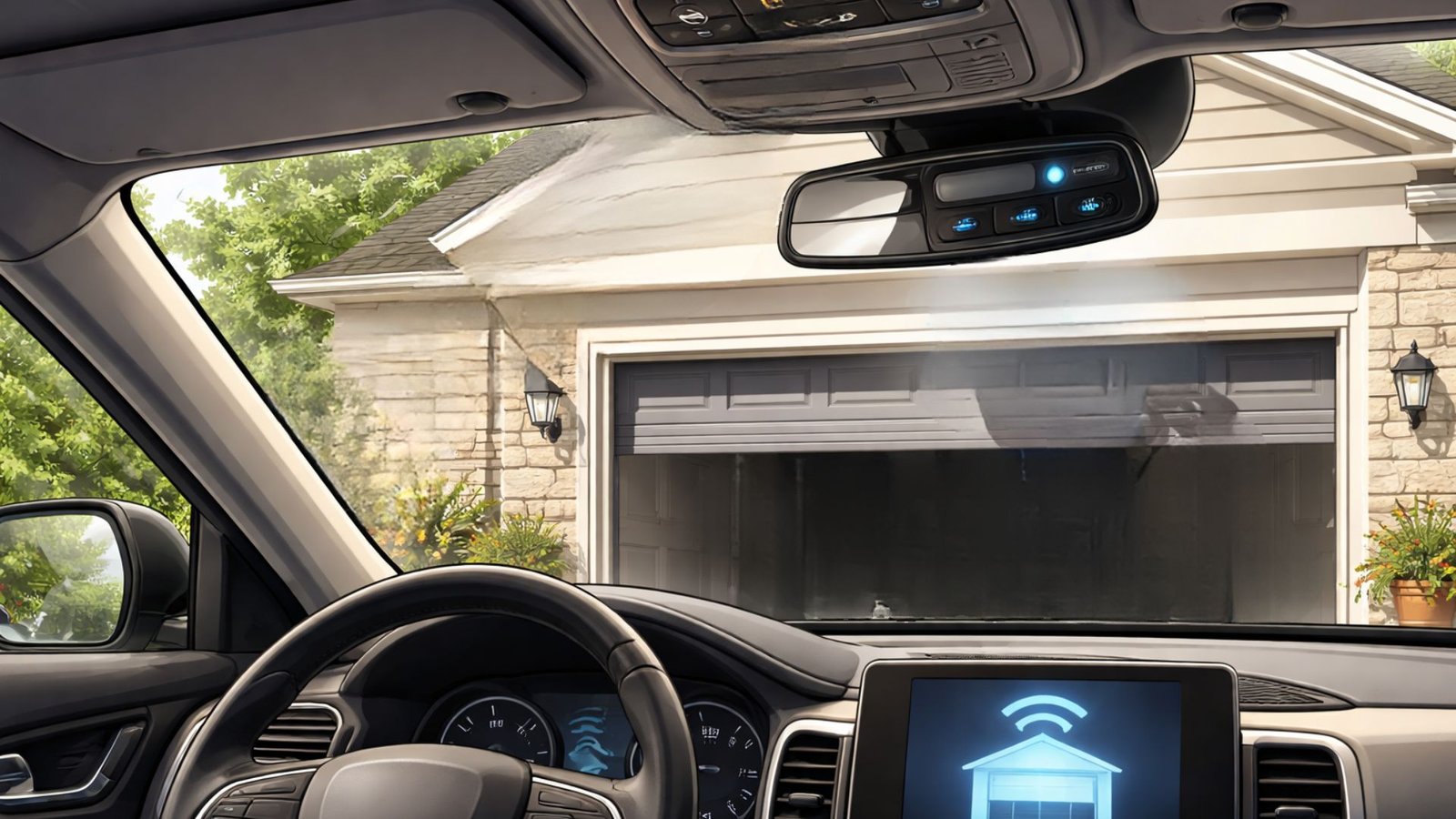

How to Sync Garage Door Opener to Car: Quick Step-By-Step Guide
You just got a new car and realized it has those built-in buttons above the rearview mirror. Or maybe you’ve had them for years and never figured out how they work. Either way, syncing your garage door opener to your car is one of those tasks that sounds complicated but is actually pretty straightforward once someone walks you through it.
This step-by-step guide covers exactly what you need to know, including troubleshooting tips if things go sideways.
What Is HomeLink and Why Does It Matter?
Most newer cars come equipped with the HomeLink Wireless Control System – a built-in radio frequency system that lets you control your garage doors directly from your vehicle. You’ll typically find the HomeLink button near your rearview mirror or on the overhead console.
HomeLink systems communicate with your garage door opener unit the same way a remote control does – through a radio antenna signal. The big advantage is that you never have to fumble around for a separate garage door remote again.
What You’ll Need Before You Start
Before programming your garage door opener to your car, gather these items:
- Your existing garage door remote (the handheld one)
- Access to your garage door opener motor unit (usually mounted on the ceiling inside the garage)
- Your car’s owner manual (helpful if you hit a snag)
- A step ladder if your motor unit is mounted high
It also helps to know the make and model of your opener. Check the back or side of the motor unit for a label.
How to Program Your Garage Door Opener to Your Car
Here are the easy steps to get this done. The whole process takes about 5 minutes.
Step 1: Clear the Car’s Existing Memory
If this is not a brand-new car, you’ll want to clear the factory settings first to avoid conflicts. To do this, press and hold the two outer HomeLink buttons simultaneously until the LED light blinks rapidly – usually about 20 seconds. This tells you the memory has been wiped and you’re starting fresh.
Step 2: Hold the Remote Up to the HomeLink Button
Sit inside your vehicle and press the button you want to program on the HomeLink panel. While holding that button, hold the remote control – specifically the button on the remote – about 1-3 inches away from the desired HomeLink button in your car.
Press and hold both simultaneously. Keep holding the button until the LED goes from a slow blink to a rapid blink. This usually happens within 30 seconds. When the light blinks fast, release both buttons.
Step 3: Locate the Learn Button on Your Opener
This is the step that trips most people up. You’ll need to go inside your garage to find the learn button on your garage door opener unit. It’s typically a small colored button on the back or side of the motor unit, sometimes hidden under the light cover.
Press the learn button once – don’t hold it. You now have 30 seconds to complete the next step, so move quickly.
Step 4: Return to Your Vehicle and Finalize the Programming
Return to your vehicle and press the HomeLink button you’re programming. Hold the button in your car for up to six seconds, release, then press and hold again. Repeat this a few times within 30 seconds to press the signal through.
You’ll know the programming was successful when the garage door responds by trying to open or close, and the HomeLink indicator light holds steady rather than blinking.
Troubleshooting: When Nothing Happens
If following these steps doesn’t work the first time, don’t panic. Here are a few common fixes:
- Check your opener’s compatibility. Some older garage door systems, especially those using rolling code technology, require extra programming steps. Check your opener’s manual or search YouTube for model-specific programming instructions.
- Try reprogramming from scratch. Sometimes the pairing process just needs a second attempt. Clear the memory and start over from Step 1.
- Check the antenna. The radio antenna on your garage door opener motor should be hanging down. If it’s tucked up or damaged, it can disrupt the signal.
- Use a remote as a middleman. If your car’s HomeLink system is older, you may need to use a remote to bridge compatibility during HomeLink programming.
- Issues with the opener itself? If garage door operation seems off – slow responses, partial movement, or nothing happens at all – there may be a deeper mechanical issue. That’s when you want professional help.
If all else fails and the garage door system still isn’t cooperating, it may be time to call in expert assistance from trusted local garage door specialists.
Do I Need a Technician for This?
Most people can program a garage door opener for their car without any help. However, if you’re dealing with an older opener, a malfunctioning learn button, or a garage opener that won’t respond to remotes at all, a technician can diagnose the issue fast.
You can also explore expert garage door installation or professional garage door repair services if the hardware itself is the problem.
For any persistent issues, feel free to schedule a garage door service appointment and get a professional set of eyes on it.
Conclusion
Syncing your car’s garage door opener is a simple process once you understand the steps involved. Start by clearing your vehicle’s HomeLink system, pair it with your existing remote control, then activate the learn button on your motor unit. Following these steps should have your garage doors responding within minutes.
If you run into trouble or suspect something mechanical is off, the team at Level Up Garage Door is ready to help. Do not let a small programming hiccup turn into a bigger headache.