
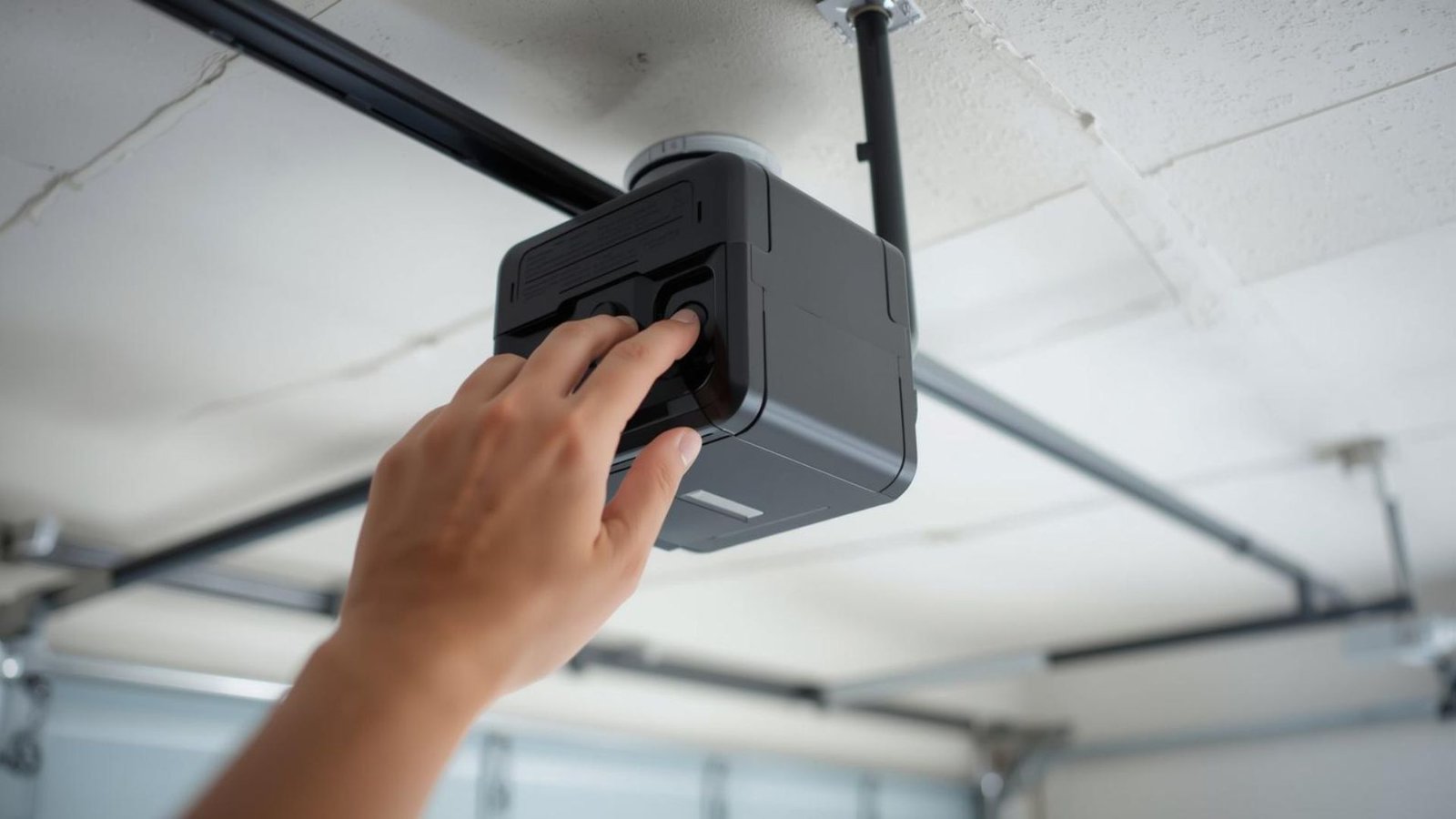

How to Reset Garage Door Opener Quickly and Safely in Minutes
When your garage door opener stops working properly, it can be frustrating, especially when you’re rushing to get somewhere. Whether you’re dealing with a power outage, misaligned sensors, lost or stolen remotes, or simply trying to reprogram the system, resetting the opener is often the key solution.
If you’re scratching your head, wondering how to reset your garage door opener, don’t worry.
We’ve helped many homeowners like you right here at Level Up Garage Door. Let’s walk through the steps together using plain English, expert advice, and a little local know-how tailored just for our League City, Texas, neighbors.
Why You Might Need to Reset a Garage Door Opener
Resetting the entire system isn’t something you do every week, but there are a few common reasons this might come up:
- You’re replacing lost or stolen remotes
- The remote or keypad just stopped working
- You’ve had a recent power outage
- You want to program a new code for better security
- The opener’s safety sensors are misaligned or not responding
- You’ve bought a new remote and need to sync it
Understanding why you’re resetting helps ensure you won’t miss any important steps.
How Does a Garage Door Opener Work?
Every garage door opener is made up of a motor unit, a wall-mounted control, safety sensors, remotes, and sometimes a garage door keypad. Together, they use a combination of radio signals and safety wiring to open or close the door.
But all of these components can get out of sync or malfunction, especially after a power outage or prolonged use. That’s why learning how to reset the opener properly is essential for keeping things running smoothly.
Step-by-Step: How to Reset Your Garage Door Opener
Before you begin, locate the “Learn” button on your garage door opener motor unit. This is usually found on the back or side of the opener and may be under a light cover.
Step 1: Disconnect Power for Safety
Unplug the opener unit or turn off the circuit breaker for your garage. This helps prevent any accidental activation during the reset.
Step 2: Press the “Learn” Button
- Plug the opener back in.
- Locate the “Learn” button located on the opener’s motor unit. It may be labeled “Program” or indicated with an indicator light.
- Press and hold the “Learn” button for about 6-10 seconds.
- You should see an LED light blink or turn off, meaning the old codes have been cleared.
You’ve now successfully wiped the opener’s memory of any old remotes or keypad codes.
Reprogram Remotes and Garage Door Keypad
After you reset your garage door, it’s time to reprogram your remotes and garage door keypad.
Programming Remotes
- Press the “Learn” button on the opener again.
- Within 30 seconds, press the button on your remote that you want to use for the garage.
- Wait until you see a light blink or hear a click from the opener.
This means your remote is synced and ready to go. Repeat this step for any additional remotes.
Programming Garage Door Keypad
- Press the “Learn” button on the opener unit.
- Within 30 seconds, enter your desired four-digit code on the keypad.
- Press and hold the enter button.
If the light turns off or you hear a click, the code is accepted.
Pro Tip: Always request the opener’s manual or look up your opener model online for any manufacturer’s variations.
Troubleshooting Common Issues After a Reset
If things still aren’t working, don’t panic. Here are a few areas to check:
- Check the batteries in the remote. Weak electric battery power is a common issue.
- Make sure the garage door is not off-track or has physical damage.
- Inspect the safety sensors. If they’re misaligned, the opener might not function.
- Ensure all wires connected to the opener unit are intact and secure
- Reprogram the remote and keypad again if the sync didn’t go through
Still scratching your head after trying all this? You might need professional garage door repair to dig a little deeper.
Reset Your Garage Door System Safely
Here’s a quick summary checklist you can use when attempting your reset garage door opener process:
- Unplug the opener or turn off the power
- Locate the “Learn” button on the motor unit
- Press and hold it until the LED light turns off
- Programme remotes by pressing the “Learn” button, then the button on the remote
- Program the garage door keypad with a four-digit code
- Test the system to open or close the door
- Recheck safety sensors and wires if anything seems off
Following these steps ensures your automatic garage door opener is ready to be programmed and reliable again.
Need Help With Resetting Your Garage Door Opener?
If you’ve tried resetting the opener, programmed new remotes, and checked all your connections, but it still won’t budge, it’s okay to ask for help.
At Level Up Garage Door, we provide friendly, thorough, and local garage door service throughout League City, Texas. Whether you need help programming your garage door opener, fixing your wall button, or upgrading to a new unit, we’ve got your back.
Final Thoughts
Resetting your garage door opener doesn’t have to feel like rocket science. With a little patience and the right steps, you can clear old codes, program new remotes, and keep your family safe.
And if things still won’t cooperate, we’re just one call away. Anytime you think, “I need to reset my garage,” remember Level Up Garage Door is here to help with reliable door service and expert garage door service in League City and nearby.
Give it a try, and if you’re stuck, you know who to reach out to.