
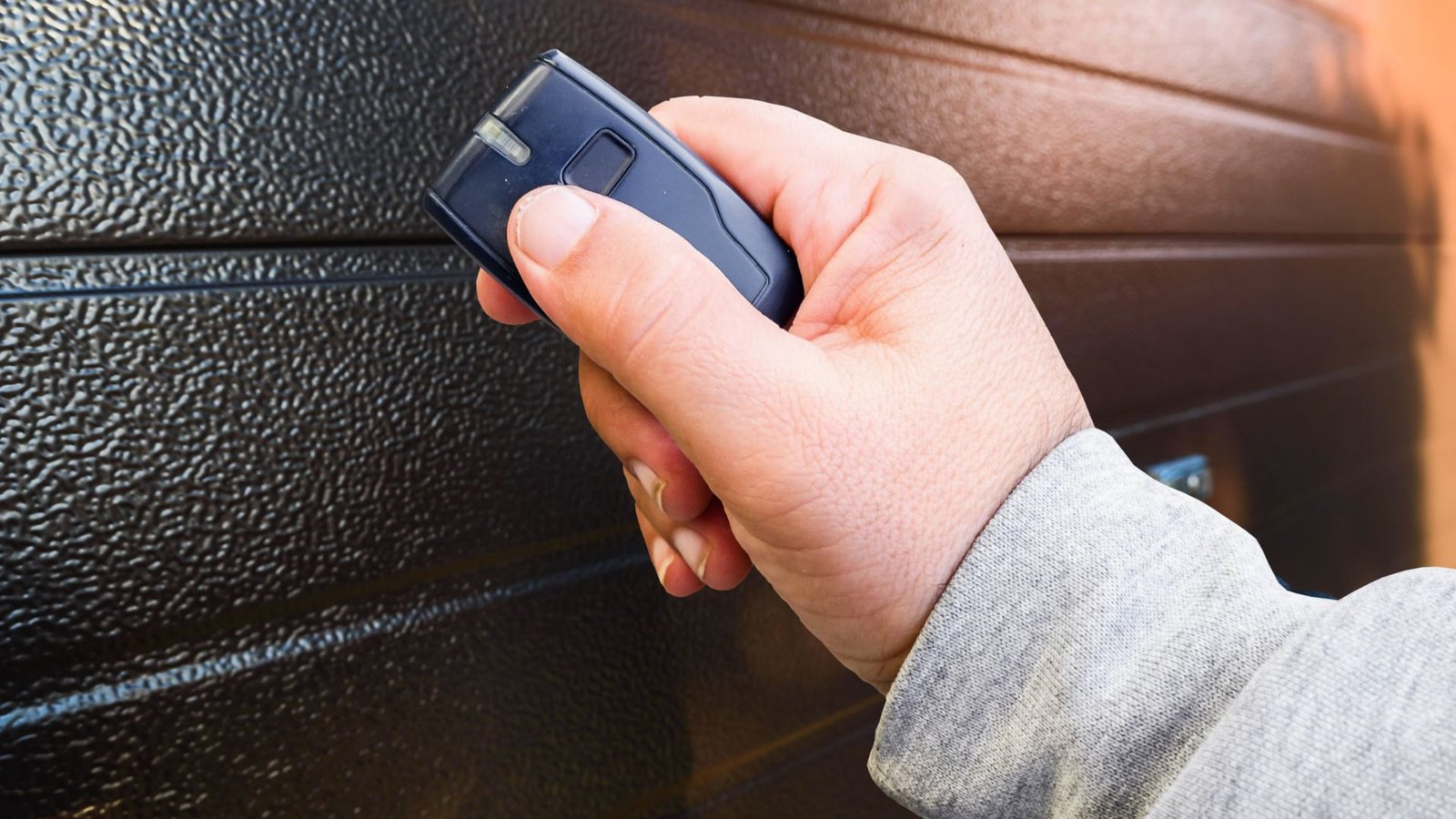

Garage Door Remote Not Working? Quick Fixes to Get Back on Track
There is nothing more frustrating than pulling into your driveway, pressing the button on your remote, and watching your garage door do absolutely nothing. It happens to a lot of homeowners, and most of the time, the fix is simpler than you think.
Before you assume the worst and start pricing out a brand-new garage door opener, take a breath. This guide walks you through the most common causes and practical troubleshooting steps you can try right now.
Why Is Your Garage Door Remote Not Working?
There are several reasons your garage door remote may stop responding out of the blue. Understanding the common causes helps you zero in on the problem faster instead of guessing.
Remote failures are rarely random. Most of the time, something specific has triggered the issue – whether it’s dead batteries, a signal problem, or an accidentally engaged lock button. Let us break it down.
Start With the Obvious: Check the Batteries
This is the most common reason a garage remote stops working, and it is easy to overlook.
Remote batteries wear out gradually, so you might not notice the signal weakening until it stops entirely.
Swap in new batteries and press the remote button again. Make sure the battery contacts inside the remote are clean and free of corrosion. A build-up of dust or residue on the contacts can interfere with the connection even when the battery itself is fine.
If the remote’s battery looked fine but the door still did not respond, move on to the next steps.
Is the Lock Button Engaged?
This one catches a lot of people off guard. Many garage door openers come with a lock button on the wall control panel that disables all remote signals as a security feature.
If someone accidentally pressed and held the lock button – maybe a child or even you during a routine check – the system will ignore every press the remote sends. The indicator light on the wall panel may blink when you press the remote button, which is a telltale sign that the lock mode is active.
To fix this, press and hold the lock button on your garage wall button for a few seconds until the light stops blinking. Once lock mode is turned off, try your remote again. You would be surprised how often this is the culprit.
Check for Signal and Interference Issues
Garage door openers operate on specific radio frequencies to receive signals from your remote control. When something disrupts that frequency, the remote may appear completely dead even when everything else is functioning.
Common sources of electromagnetic interference include nearby Wi-Fi routers, LED lamp fixtures, and even certain types of incandescent light bulb replacements installed directly inside the opener unit. Some LED lamps emit interference on the same radio frequency that garage door openers use, which can block the signal entirely.
Try removing any LED bulbs from the opener unit and replacing them with a bulb recommended by the manufacturer. Also, check the antenna hanging from the opener – it should be pointing downward and free from obstructions.
If you are pressing the remote and standing far back, try moving close to the door. A weakened signal may only work within a short range.
Troubleshoot the Opener Itself
Sometimes the remote works fine, but the problem is with the opener unit. If your wall switch or wall-mounted button also does not work, the issue is likely with the opener – not the remote.
Check whether the opener is receiving power. A tripped circuit breaker or a power outage can leave the unit unresponsive. Also, look at whether the unit’s motor light comes on when you press the remote. If nothing happens at all, the opener may have lost power, or the control panel inside may have an issue with its motherboard or wiring.
If the wall button works but the remote doesn’t work, then the problem is isolated to the remote and opener communication – not the opener itself.
Reasons Your Garage Door Remote May Need Reprogramming
Here is something most homeowners do not realize: remotes can lose their programming. This can happen after a power outage, a factory reset, or even interference from a neighbor’s garage door system operating on a similar frequency.
If your remote still is not responding after checking batteries and interference, it may be time to reprogram the remote. Most modern garage door openers have a “Learn” button on the opener unit – usually found on the back or side of the motor head.
To reprogram your remote:
- Locate the Learn button on the opener unit.
- Press and hold it until the indicator light turns on, then release.
- Within 30 seconds, press and hold the button on your garage door remote until the opener light blinks or you hear two clicks.
This process may vary slightly depending on whether you have a LiftMaster, overhead door brand, or another system. Check your manual or the manufacturer’s website for model-specific instructions.
If reprogramming doesn’t resolve the issue, the remote receiver inside the opener may be damaged.
Do Not Forget the Safety Sensors
If the remote and opener both seem to be working but the door won’t close fully, check the safety sensors. These are the small units mounted near the bottom of the door track on both sides.
Safety sensors use an infrared beam to detect obstructions. If the beam is blocked by dirt, a misaligned sensor, or even bright sunlight, it can prevent the door from closing. The opener light may blink multiple times as a signal that something is wrong.
Clean the sensor lenses with a soft cloth and make sure both sensors are aligned and facing each other directly. This small fix can resolve what looks like a remote and opener issue, but is actually a sensor problem.
When to Call a Professional
Basic troubleshooting doesn’t always get your door back on track, and that is okay. If you have replaced the remote batteries, checked the lock button, cleared interference, and tried resetting the garage door opener with no luck, it is time to bring in a garage door technician.
Issues with your garage door that go beyond remote issues – such as damaged wiring, a failing control panel, or a worn-out motor – require a professional garage door service to diagnose and fix the issue safely. Attempting to repair internal components without the right knowledge can make things worse or create a safety hazard.
A qualified technician can assess the entire garage door system, identify what caused the remote to stop working, and get your door functioning properly again.
Conclusion
A garage remote that suddenly stopped working is one of those home improvement headaches that usually has a simple explanation. Start with the basics – remote batteries, the engaged lock button, signal interference, and sensor alignment. If those troubleshooting steps do not resolve the issue, reprogram the remote or call in a garage door technician for help.
Level Up Garage Door is here to help League City homeowners get their doors working smoothly again. Reach out today and let the professionals handle the rest.