
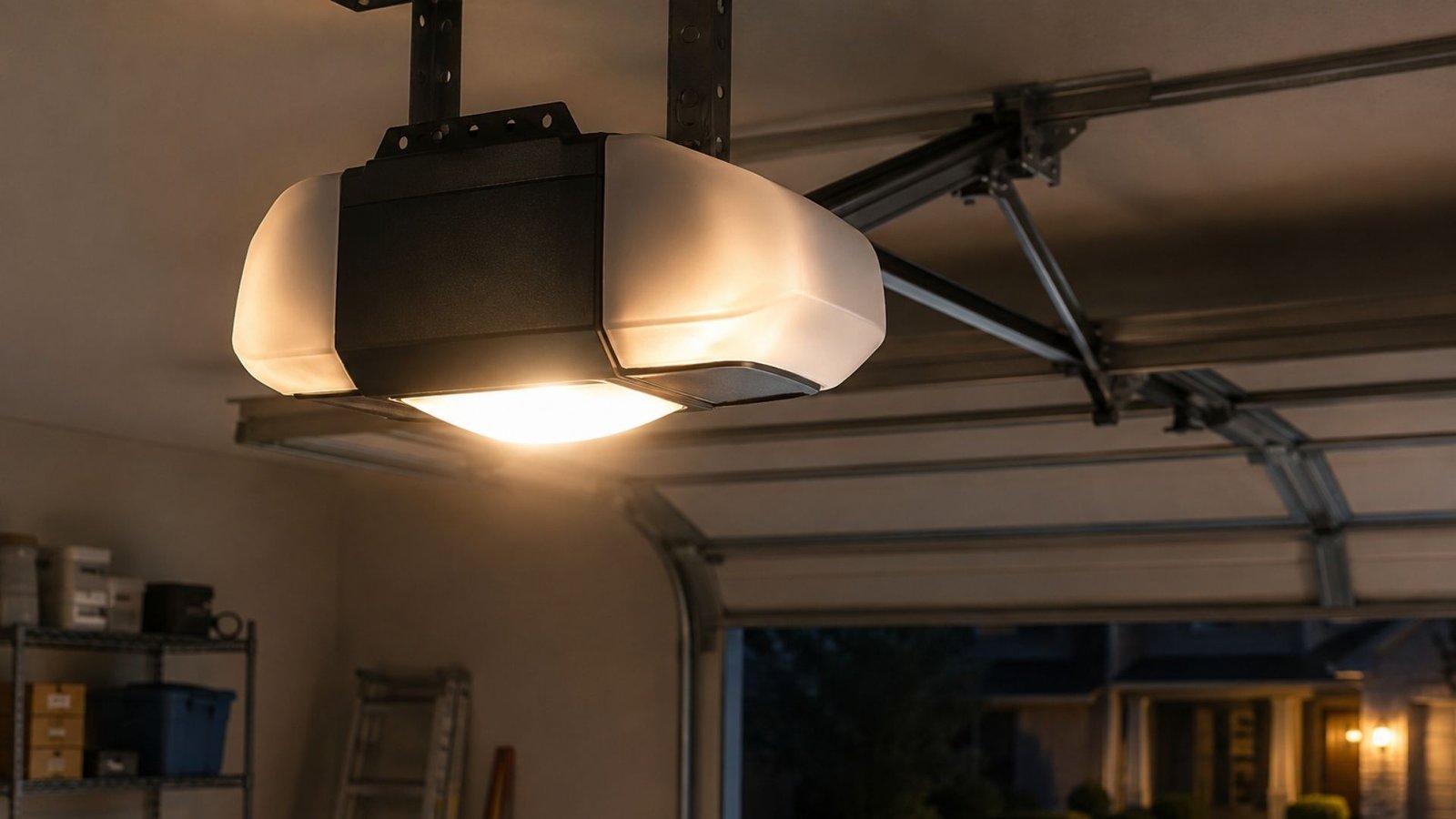

Why Your LiftMaster Garage Door Opener Light Stays On
You close the garage door, head inside, and everything seems fine. But later you notice the light in your garage is still glowing. If you own a LiftMaster opener, this is actually a pretty common issue that confuses a lot of homeowners.
The good news? There are only a handful of reasons this happens, and most of them are straightforward to understand. Let’s walk through what’s going on and what you can do about it.
How the LiftMaster Light System Works
Most LiftMaster garage door openers are designed with a built-in lighting system that turns on automatically when the door is activated. After a set period, a timer inside the unit tells the electric light to shut off.
That timer is managed by the opener’s internal logic board, sometimes called the motherboard. When everything is working correctly, the light follows a simple sequence: door activates, light turns on, timer counts down, light turns off.
When something disrupts that sequence, the light stays on longer than it should, or doesn’t go off at all.
Common Reasons the Light Won’t Turn Off
The Motion Detector Is Picking Up Movement
Many newer LiftMaster openers include a built-in motion detector that keeps the light on when it senses activity nearby. This is a helpful feature – but it can also work against you.
If your garage has foot traffic, pets, or even an HVAC vent blowing air nearby, the sensor may keep registering motion and resetting the light timer. Check your opener’s settings or control panel to see if the motion sensitivity can be adjusted or turned off.
The Light Timer Setting Is Too Long
Your opener likely has an adjustable timer for the light. On many LiftMaster models, this is controlled through the control panel on the unit itself or through a connected wall switch.
If the timer is set to a long duration – say, 4.5 minutes or more – it may feel like the light is never turning off, especially if you’re not watching the full cycle. Check your user manual or the settings on the panel to reduce the timer duration.
A Faulty Light Switch or Wiring Issue
Sometimes the problem isn’t the timer or motion detector at all. A stuck or malfunctioning light switch on the wall panel can send a continuous signal to the opener, telling it to keep the light on.
Similarly, electrical wiring issues inside the opener can confuse the system’s logic board. This is where troubleshooting gets a bit more technical, and it may be worth having a licensed technician take a look at it.
The Wrong Bulb Type
This one surprises people. LiftMaster openers are sensitive to the type of bulb you use. If you’ve recently swapped in a bulb that isn’t compatible, certain LED or CFL types can interfere with the remote control signal and the internal circuitry.
The lightbulb socket in garage openers is designed for specific bulb types. LiftMaster recommends using branded LED bulbs or approved incandescent light bulb options. Using the wrong bulb can cause unexpected behavior, including lights that won’t shut off.
A Failing Logic Board
If you’ve tried everything and the light still won’t turn off, the issue may be deeper – a failing logic board inside the opener. The logic board controls virtually every function of the unit, including lighting cycles, sensor responses, and remote control communication.
A damaged or aging board can send incorrect signals to the rest of the system. At this point, repair or replacement of the board may be necessary, and that’s a job best left to a professional technician.
Quick Troubleshooting Steps to Try First
Before calling for help, run through these checks:
- Check the motion detector setting – See if motion sensitivity can be reduced or disabled temporarily.
- Adjust the light timer – Use the opener’s control panel to shorten the light duration.
- Inspect the wall switch – Make sure the light switch isn’t stuck or malfunctioning.
- Replace the bulb – Swap in an approved incandescent light bulb or a LiftMaster-compatible LED to rule out bulb interference.
- Reset the opener – Unplug the unit for 30 seconds, then plug it back in to reset the system.
If none of these steps resolve the issue, the problem likely involves electrical wiring or the internal motherboard and may require professional attention.
When to Call a Professional
Persistent lighting problems aren’t just annoying – they can point to deeper issues with your opener’s system. Ignoring them can shorten the lifespan of your unit and lead to more expensive repairs down the road.
Regular maintenance is the best way to catch these problems early before they turn into bigger headaches.
What to Do When Your LiftMaster Garage Door Opener Light Stays On
A LiftMaster garage door opener light that won’t turn off usually comes down to a few fixable causes: a motion detector issue, a timer setting, the wrong bulb, or a failing logic board. Start with the simple stuff first, and work your way toward the more technical possibilities. If you’re not getting results on your own, scheduling a professional garage door repair service is the smartest next step.
A trained technician can diagnose the problem accurately and get your system working the way it should.