
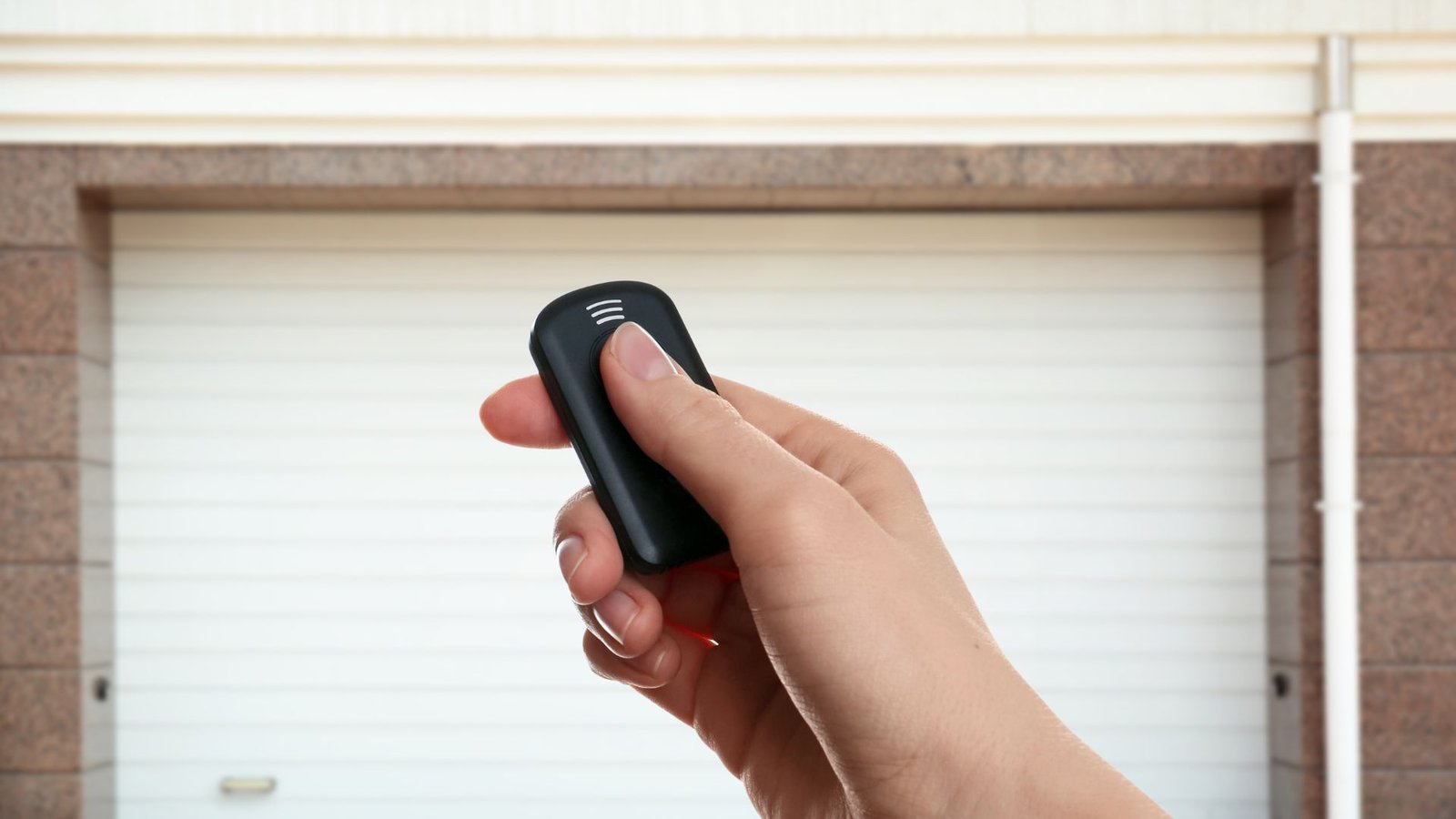

How To Sync Remote To Garage Door In Minutes Without The Headache
Lost signal with your garage door remote? Or maybe you just bought a new remote and have no idea where to start? You are not alone. Syncing a remote to a garage door trips up a lot of people, but the process is actually straightforward once you know what you are doing.
This step-by-step guide walks you through everything clearly, so you can get back to opening and closing your garage door without frustration.
What You Need Before You Start
Before diving into the steps to sync your remote, take a minute to gather the basics. You will need your garage door opener remote, access to the motor unit on the ceiling of your garage, and ideally your owner’s manual nearby.
Check your owner’s manual if you are unsure about your opener’s model or specific remote compatibility. Different opener brands handle the programming steps slightly differently, so knowing your brand and model upfront saves time. Popular systems like LiftMaster use a color-coded button to indicate which technology is in play.
Also, check the remote battery before anything else. A weak or dead battery is responsible for more “broken” remotes than people realize. If the remote is not responding at all, replace the batteries first – a 3V lithium coin cell is common in many handheld remote models. Once you have fresh batteries in place, try again before assuming the remote is the problem.
Step-by-Step Guide: How To Program Your Garage Door Remote
Step 1 – Find the Learn Button on Your Opener
The learn button is typically located on the back or side of the motor unit. Look for a small button near the antenna wire, often next to an LED indicator. Depending on the system, this button may be purple, yellow, or another color – that color tells you what type of rolling code or security features your opener uses.
Step 2 – Enter Learn Mode
Press and release the learn button on your garage door opener. You will usually see an LED light turn on, signaling that the opener’s receiver is ready to accept a signal. You have about 30 seconds to complete the next step before learn mode times out.
Step 3 – Program the Remote
Now, press and hold the button on your remote that you want to use to operate the door. Some openers require you to press and hold the button until the LED on the motor unit blinks or flashes. Others may flash their LEDs twice to confirm successful pairing.
Press and hold the remote button you want to use while the opener is in learn mode. When you see the LED light blink or the motor unit click, release the remote. That blink signals the remote has been accepted.
Step 4 – Test the Remote
Stand a few feet away and press the button on the remote. If the door moves, you are done. If not, repeat the process – sometimes pressing the button on your garage door opener unit again to re-enter learn mode is all it takes.
Troubleshooting When It Is Still Not Working
If the remote is still not working after following the programming steps, there are a few things worth checking.
First, confirm the antenna wire is hanging down from the motor unit and is not coiled or damaged. A blocked or damaged antenna cuts signal range significantly. Second, make sure nothing has erased the remote’s memory – some systems wipe all paired remotes when you hold the learn button too long, which disables remote access entirely. If that happens, you will need to reprogram all remotes.
Also, check if the garage door’s safety features or a “smart” controller setting is interfering.
Some modern systems use a mobile app and smartphone integration that can conflict with older garage door remotes. Check the manual for your remote’s specific programming steps if the process differs from what’s described here.
If you have worked through all of this and the garage door opener remote is still giving you trouble, the issue may be with the opener itself rather than the remote control.
Conclusion
Programming your garage door remote does not have to be a frustrating experience. Follow our step-by-step guide, start with a fresh remote battery, locate the learn button, and walk through the simple steps above. Most people get it done in under five minutes. If you run into hardware issues or something seems off with your opener, the team at Level Up Garage Door is ready to help. Reach out and let a professional take a look before a small issue turns into a bigger repair.