
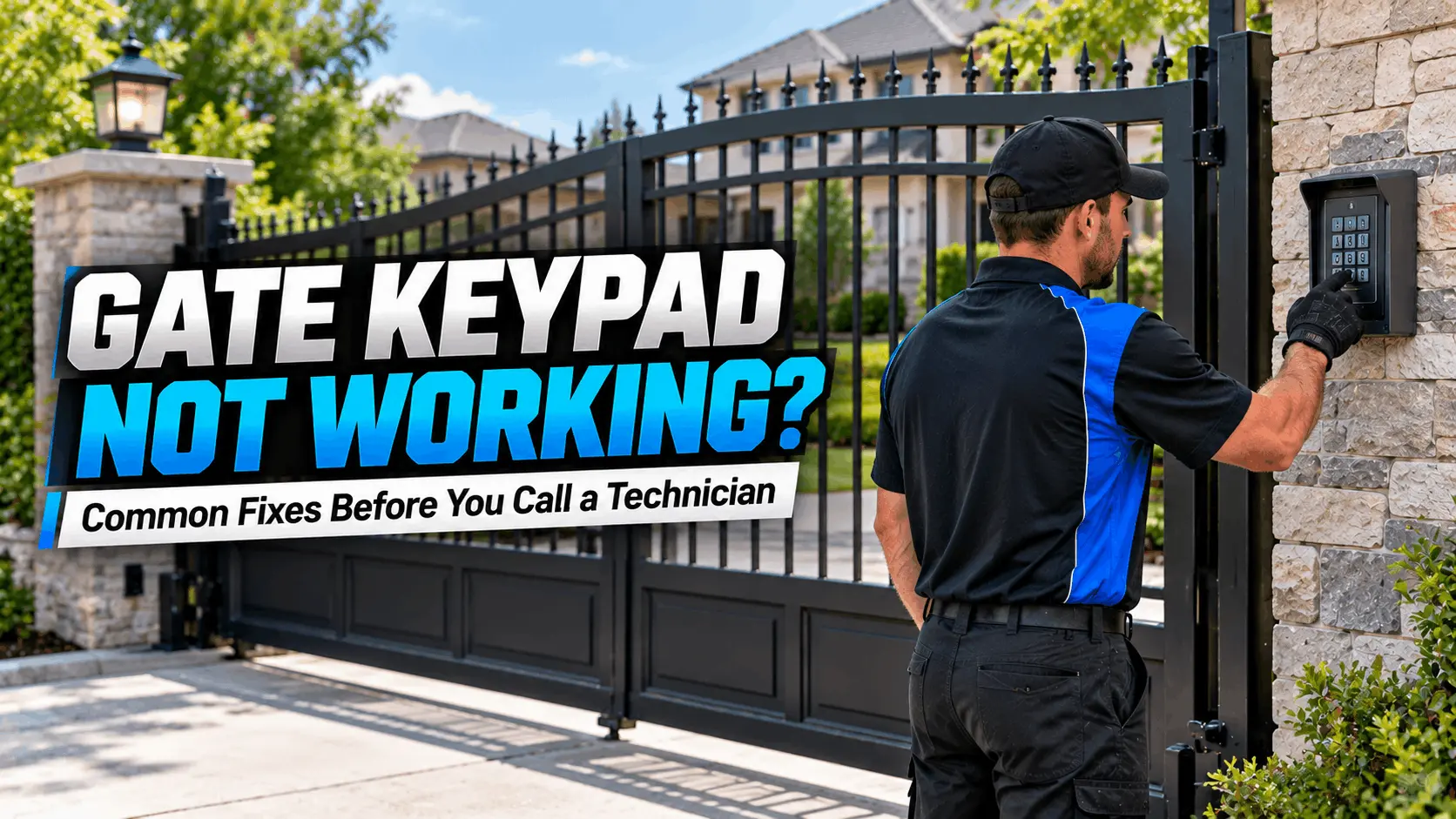

Gate Keypad Not Working? Common Fixes Before You Call a Technician
An automatic gate keypad provides convenient access to residential and commercial properties without requiring a remote control or physical key. When the keypad stops responding, rejects a valid access code, or fails to open the gate, it can create inconvenience and affect daily access to your property.
If your gate keypad is not working, the problem may be as simple as a weak battery or an incorrect access code. In other cases, the keypad may have lost its programming, experienced weather-related damage, or developed a communication problem with the gate operator.
Before scheduling a repair, there are several safe checks you can perform to narrow down the cause. This guide explains the most common reasons a gate keypad stops working, which troubleshooting steps you can try yourself, and when to contact a professional gate technician.
Why Is Your Gate Keypad Not Working?
A gate keypad communicates with the automatic gate system to request access. Depending on the installation, it may operate through a wireless signal, a wired connection, or an access-control system connected to the gate operator.
When something interrupts that communication, entering the correct code may no longer activate the gate. The keypad might not light up, the buttons might stop responding, or the gate might remain closed even after a successful code entry.
Common causes include weak batteries, incorrect codes, lost programming, moisture exposure, damaged wiring, receiver problems, and faults within the gate operator. Identifying what happens when you enter the code is the first step toward determining whether the issue is limited to the keypad or involves another part of the system.
1. Check the Keypad Battery
A weak or depleted battery is one of the first things to check if you have a wireless gate keypad. Depending on the model, a low battery may cause dim indicator lights, inconsistent button responses, delayed operation, or a keypad that does not respond at all.
Check whether your keypad displays a low-battery warning or has a noticeably dimmer indicator light than usual. If the model uses replaceable batteries, consult its instructions to identify the correct battery type and replacement procedure.
Install fresh batteries with the correct polarity and make sure the battery compartment is properly closed. If you notice corrosion, moisture, or damaged battery contacts, avoid attempting repairs to the internal components.
Hardwired keypads may receive power from the access-control system rather than replaceable batteries. If your keypad is wired, do not open electrical enclosures or disconnect wiring to investigate a suspected power issue. A technician can check the power supply and connections safely.
2. Make Sure You Are Entering the Correct Access Code
Sometimes the keypad is functioning properly, but the gate does not open because the entered code is incorrect or no longer authorized.
This can happen when an access code has been changed, a user has been removed from the system, or a property manager has updated the access permissions. Repeated incorrect entries may also trigger a temporary lockout on certain systems.
Enter the code carefully and follow the manufacturer’s instructions for confirming the entry. Some keypads require you to press an additional confirmation key after entering the code, while others activate the gate automatically.
If you recently received a new code, confirm that it has been correctly added to the system. For commercial properties, check with the authorized property manager or access-control administrator before assuming that the keypad is defective.
Avoid repeatedly entering different codes or attempting to bypass the access-control system. If the correct authorized code consistently fails, continue with the next checks.
3. Check Whether the Keypad Responds When You Press the Buttons
Pay attention to the keypad’s lights, sounds, and button responses. These details can help narrow down the problem without opening the unit.
If the keypad does not light up or produce its usual response, it may have a battery, power-supply, connection, or internal hardware problem. If the buttons respond but the gate does not move, the keypad may be communicating incorrectly with the receiver, or the gate operator may not be accepting the command.
A keypad that responds inconsistently may also have worn buttons or damage caused by moisture, dirt, or prolonged outdoor exposure.
Check the exterior for visible cracks, loose covers, or signs of water intrusion. You can gently clean the exterior using a method approved by the manufacturer, but avoid spraying water or cleaning products directly into the buttons or openings.
If the keypad has visible damage or appears to have water inside it, stop using it and arrange a professional inspection.
4. Check Whether the Gate Remote Still Works
If your automatic gate also has a remote control, testing it can help determine whether the problem is limited to the keypad.
If the remote opens the gate normally but the keypad does not, the gate operator may still be functioning, and the issue may involve the keypad’s battery, code, programming, or communication with the receiver.
If both the keypad and remote fail to operate the gate, the cause may extend beyond the keypad. Possible issues include a power interruption, a gate operator fault, a receiver problem, or another condition preventing the system from accepting access commands.
Only perform this check when it is safe to operate the gate and the entrance is clear of people, vehicles, and obstructions.
For additional guidance on diagnosing an unresponsive gate, read our automatic gate troubleshooting guide, which covers common sensor, power, remote-control, and operator problems.
5. Check for a Power Outage or Recent Electrical Interruption
An automatic gate keypad may stop working after a power outage, electrical interruption, or surge. The effect depends on whether the keypad is battery-powered, hardwired, or connected to a separate access-control power supply.
If the keypad stopped working around the same time as an outage, note whether other access devices are affected. A battery-powered keypad may still light up even when the gate operator has no power, so an illuminated keypad does not necessarily mean the complete system is operational.
Check for an obvious interruption to the property’s power supply, but do not open the gate operator’s electrical enclosure, inspect exposed wiring, or attempt to reset internal components without the appropriate qualifications.
If the power supply appears normal but the keypad and other access devices remain unresponsive, a technician can inspect the operator, receiver, and related electrical components to identify the cause.
6. Determine Whether the Keypad Has Lost Its Programming
Some gate keypads need to be paired or programmed with a compatible receiver or access-control system. Programming may be affected by certain system changes, replacement components, or manufacturer-specific reset procedures.
A keypad that lights up and accepts button presses but does not activate the gate may have lost its programming or may no longer be communicating with the intended receiver.
Before changing any settings, identify the keypad’s make and model and review the manufacturer’s instructions. If you have recently replaced the gate operator, receiver, or keypad, verify that the components are compatible and configured correctly.
Avoid performing a factory reset unless you understand its consequences. Depending on the system, a reset may erase stored access codes, user permissions, or other configuration settings. You could lose access until the system is programmed again.
If the keypad needs reprogramming and you are unsure of the procedure, a gate technician can help restore the correct configuration.
7. Inspect the Keypad for Weather or Physical Damage
Outdoor gate keypads are exposed to rain, humidity, sunlight, dust, temperature changes, and everyday use. Over time, these conditions can affect the keypad’s buttons, housing, seals, and internal electronics.
After heavy rain or severe weather, look for visible cracks, loose covers, damaged mounting points, or moisture around the keypad. If the keypad has recently been struck or vandalized, internal components may also be damaged even when the exterior appears mostly intact.
Do not assume that a keypad is waterproof simply because it is installed outdoors. Weather resistance varies by model, and damaged seals can allow moisture to enter the enclosure.
If water has entered the keypad, avoid pressing additional buttons or opening the unit to dry its internal components. Follow the manufacturer’s safety instructions and arrange an inspection if the device remains unresponsive.
A technician can determine whether the keypad can be repaired or whether replacement is the more appropriate option.
8. Check Whether the Gate Operator Is Responding
If the keypad appears to be working but the gate remains stationary, the problem may be with the gate operator or another part of the access-control system.
Listen for the normal operating sound when an authorized code is entered. If the keypad beeps or displays a confirmation but the gate does not move, the system may be receiving the request without successfully operating the gate.
Possible causes include a gate operator fault, an active safety device, a mechanical obstruction, a receiver issue, or a problem with the control system. The precise cause depends on the gate’s design and the symptoms.
Look for obvious obstructions around the gate’s movement path from a safe position. Never reach into moving components, bypass safety devices, or force a gate that appears jammed or misaligned.
If the operator makes unusual noises, repeatedly stops, or fails to respond to multiple access devices, stop testing it and arrange professional service.
9. Check for Access-Control or Communication Problems
Some automatic gates use more advanced access-control systems that connect keypads with intercoms, card readers, telephone entry systems, or property-management software.
In these installations, a keypad problem may involve more than the device itself. The system may have incorrect permissions, a communication interruption, a failed receiver, or a problem with the controller responsible for authorizing entry.
If your property has multiple access methods, note which devices still work. For example, a working intercom but a nonresponsive keypad may point toward a keypad-specific issue, while several failed access devices may indicate a broader system problem.
For commercial properties, contact the authorized access-control administrator if the problem could involve user permissions or recently changed settings.
Avoid disconnecting network cables, changing controller settings, or modifying electrical connections without the appropriate instructions and qualifications. A professional can trace the problem through the access-control system and determine which component requires attention.
10. Know When to Replace the Keypad
A replacement may be necessary if the keypad has damaged buttons, internal corrosion, persistent communication failures, or other hardware faults that cannot be resolved through basic troubleshooting.
However, replacing the keypad without identifying the cause can lead to unnecessary expense. A functioning keypad may appear defective when the actual problem is a receiver, power supply, programming issue, or gate operator fault.
Before ordering a replacement, confirm the keypad’s make, model, compatibility requirements, and connection type. A new keypad must be suitable for the existing gate system and correctly configured to work with it.
If you are considering replacing an outdated gate system rather than repairing an individual component, review the available gate installation and other gate services to understand the broader options available for your property.
A professional assessment can help determine whether the keypad alone needs replacement or whether other components also require attention.
What You Can Safely Check Before Calling a Technician
Before arranging a service appointment, gather a few basic details about the problem. Note whether the keypad lights up, whether it responds to button presses, whether the gate remote still works, and whether the issue started after a power outage or storm.
You can check the entered access code, replace batteries in a wireless keypad according to the manufacturer’s instructions, inspect the exterior for visible damage, and look for obvious obstructions around the gate.
These observations can help a technician narrow down the possible causes and understand the symptoms before arriving.
Do not open electrical enclosures, touch exposed wiring, bypass safety devices, or force the gate to move. If the gate is unstable, jammed, or making unusual mechanical noises, stop operating it until the problem has been assessed.
When Should You Call a Professional Gate Technician?
You should arrange professional service when the keypad remains unresponsive after basic checks, repeatedly rejects a valid authorized code, or cannot communicate with the gate operator. Professional inspection is also appropriate when several access devices stop working, the keypad has visible electrical damage, or the gate operator behaves abnormally.
A qualified technician can test the keypad, check its compatibility and programming, inspect the receiver and power supply, and determine whether the fault lies within the gate operator or access-control system.
For residential and commercial properties in Alvin, TX, a persistent keypad or access-system problem may require a technician to inspect the entire gate rather than replace the keypad immediately. Learn more about gate repair in Alvin, TX if you need local service.
Resolving the actual cause is important for restoring reliable access without introducing additional problems through incorrect adjustments.
Final Thoughts
A gate keypad that stops working does not always mean the entire automatic gate system has failed. A weak battery, incorrect access code, lost programming, or communication issue may be responsible. Checking the keypad’s response, testing another authorized access method, and reviewing the manufacturer’s instructions can help narrow down the cause.
However, problems involving electrical connections, internal components, access-control equipment, or the gate operator may require professional diagnosis. Avoid replacing parts without understanding the cause, and never bypass safety features or attempt repairs that expose you to electrical or mechanical hazards.
If your keypad continues to malfunction, arrange a professional assessment to identify the source of the problem and determine the appropriate repair.
Gate Keypad Not Working FAQs
1. Why is my gate keypad not working even with the correct code?
The keypad may have a weak battery, lost programming, a communication problem, or damaged internal components. The gate operator or receiver may also be preventing the command from activating the gate. Check the manufacturer’s basic troubleshooting instructions and arrange professional service if the problem continues.
2. Can a dead battery stop an automatic gate keypad from working?
Yes. A depleted battery can prevent a wireless keypad from responding or communicating reliably with the gate system. If your keypad uses replaceable batteries, install the correct type according to the manufacturer’s instructions. Hardwired keypads may have a different power-related issue.
3. Why does my gate keypad light up but not open the gate?
An illuminated keypad only indicates that the device has some power. It does not confirm that the access code is authorized, the keypad is programmed correctly, or the receiver and gate operator are functioning properly. Check the code and compare the keypad’s performance with other authorized access methods.
4. How do I reset a gate keypad that is not responding?
The reset procedure depends on the keypad’s make and model. Consult the manufacturer’s instructions before resetting the device because a factory reset may erase access codes and other settings. If you cannot identify the correct procedure, ask a qualified gate technician for assistance.
5. When should I replace a faulty gate keypad?
Replacement may be appropriate when the keypad has damaged buttons, internal corrosion, persistent hardware faults, or problems that cannot be resolved through approved troubleshooting. Before replacing it, confirm that the keypad is compatible with your gate system and rule out receiver, power, or programming issues.